Playing with Vision Embeddings
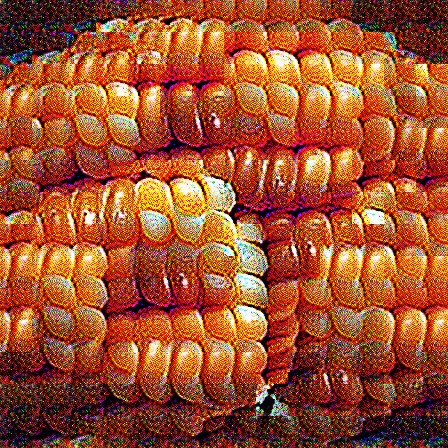
Corn kernels
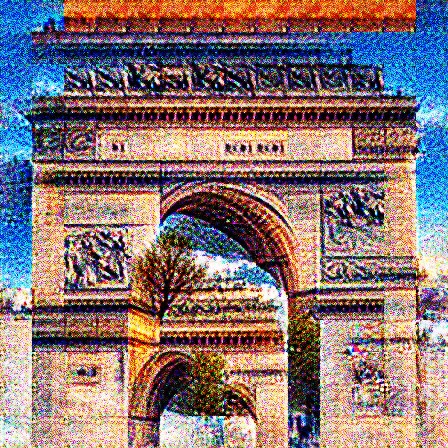
Triumphal Arch
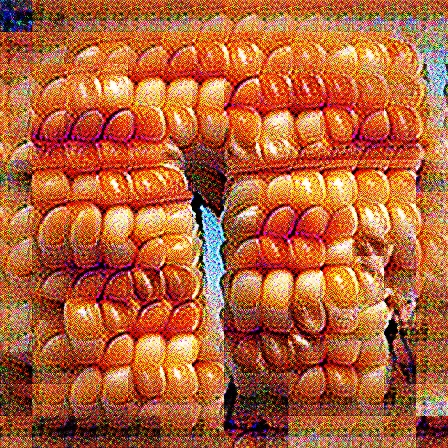
Kernel Arch
Embeddings are, in a sense, the native language of neural networks. They are how networks can encode a rich variety of semantically meaningful representations with just a list of numbers. However, those numbers are frustratingly opaque. You certainly won't be able to make sense of them by reading them one after another. In this post, we try to make sense of one neural network's embeddings.
The Model
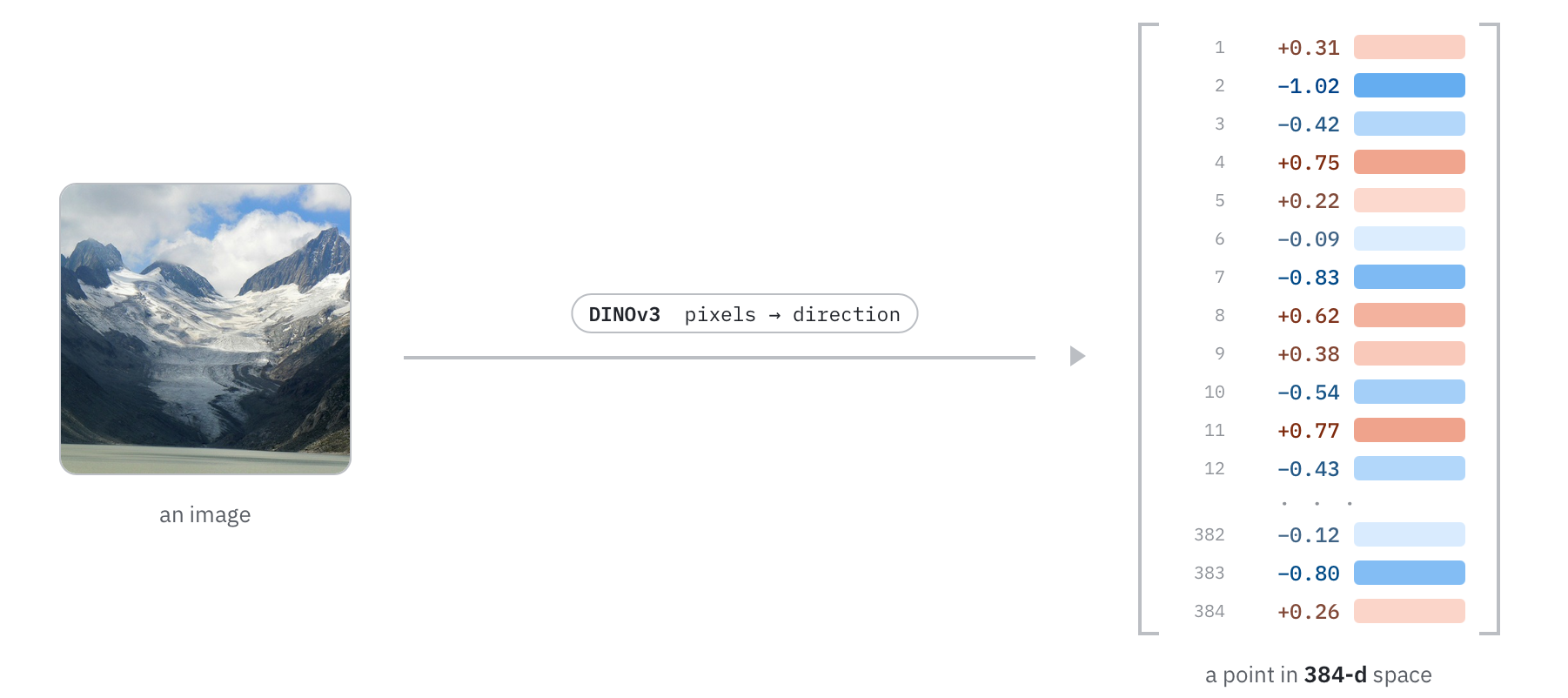
The model we're going to be looking at in this post is DINOv3 ViT-S (Siméoni et al., 2025). DINOv3 is interesting because it learns to map raw pixels to a rich feature space with very few priors. It doesn't know language, it can't describe what it sees, but it still learns to make sense of images. We won't go into full detail about how DINOv3 was trained, but two things matter for this post: it compresses any image into a single embedding (a list of 384 numbers) and it was trained so that different crops and augmentations of an image will have similar embeddings. Our goal is to understand what information is encoded in those 384 numbers.
Generating Images from Embeddings
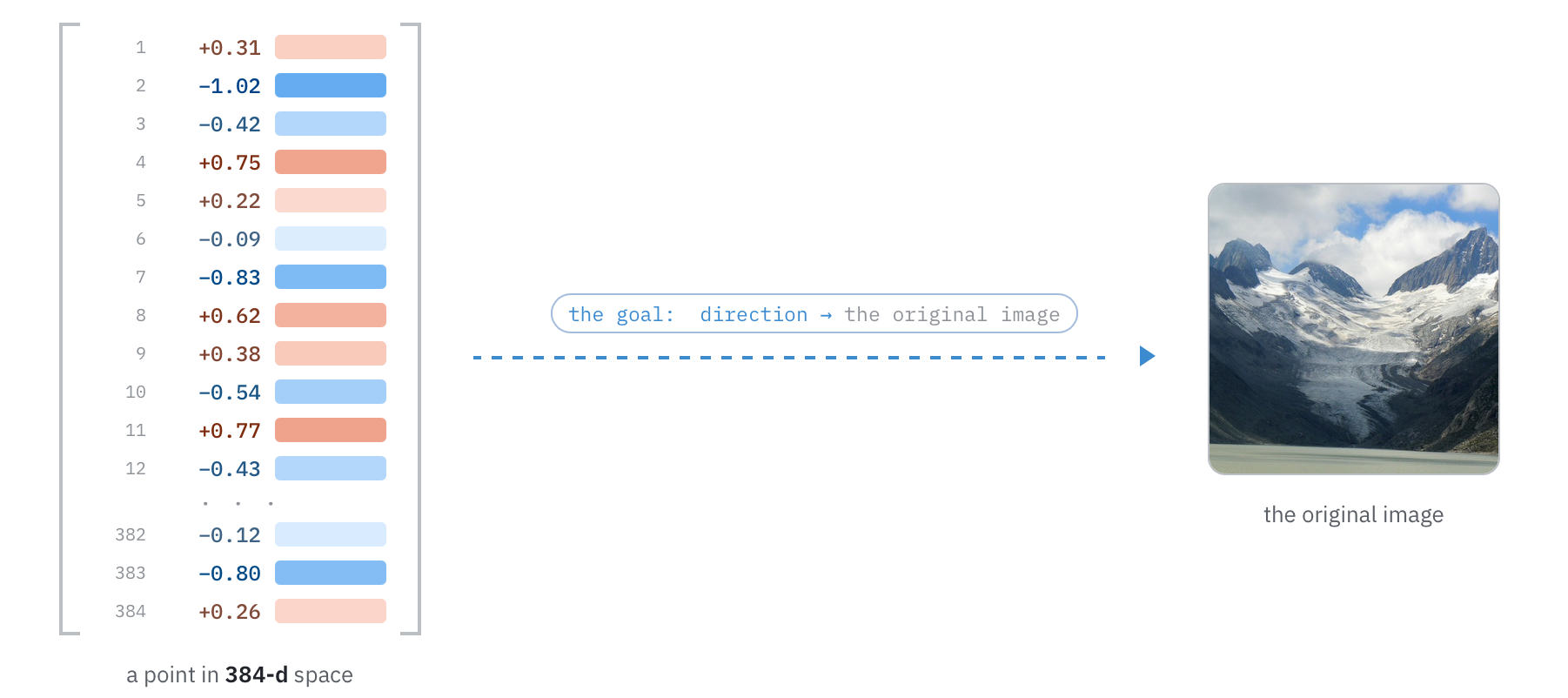
In order to start playing around in this 384-dimensional space, we need some way to translate these numbers back into something that humans can understand. The most natural place to do this is in the one language humans and DINOv3 both understand: images. More concretely, we want to be able to take a point in this 384-dimensional space and generate an image that DINOv3 says would coincide with that point.
To do this, we leverage two ideas. The first is that DINOv3 is fully differentiable -- when you feed an image into the model, you can tweak the pixels to make the output vector closer to some target. So we can maximize cosine similarity between the generated image's embedding and some target embedding. People have generated images this way for a while, see for example DeepDream (Mordvintsev et al., 2015) and Olah et al.'s feature visualization work (Olah et al., 2017).
The second is that DINOv3 was trained such that different crops and augmentations of an image land in the same embedding space. We can mimic that same cropping and augmentation strategy when we build up the gradient for the pixels. This helps in two ways: first, it stops the optimizer from cheating with high-frequency noise (Olah et al., 2017); second, it optimizes for the model's own definition of sameness.
There are a couple of other tricks we use to make the images look nicer: we produce the image with an untrained transformer backbone (similar in spirit to Deep Image Prior, Ulyanov et al., 2017), and we minimize an auxiliary total variation loss.
Once this pipeline is set up, when given an arbitrary direction in 384-dimensional space, we can generate an image that DINOv3 says would point in that direction. For example, below we take a photo of an alpine landscape, compute its DINOv3 embedding, and then use our generation technique to produce an image that points in that same direction.
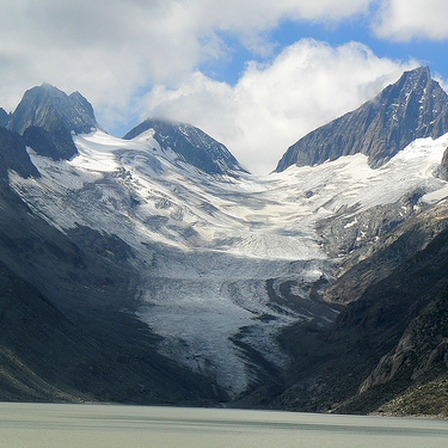
Original

Raw pixels no augmentations

Raw pixels with augmentations

Transformer with augmentations
Now, the generated image seems to capture the general vibe of the original image. It clearly shows mountains, snow, and a lake. Take a look at the spread of images generated to get a fuller sense of what's generated:
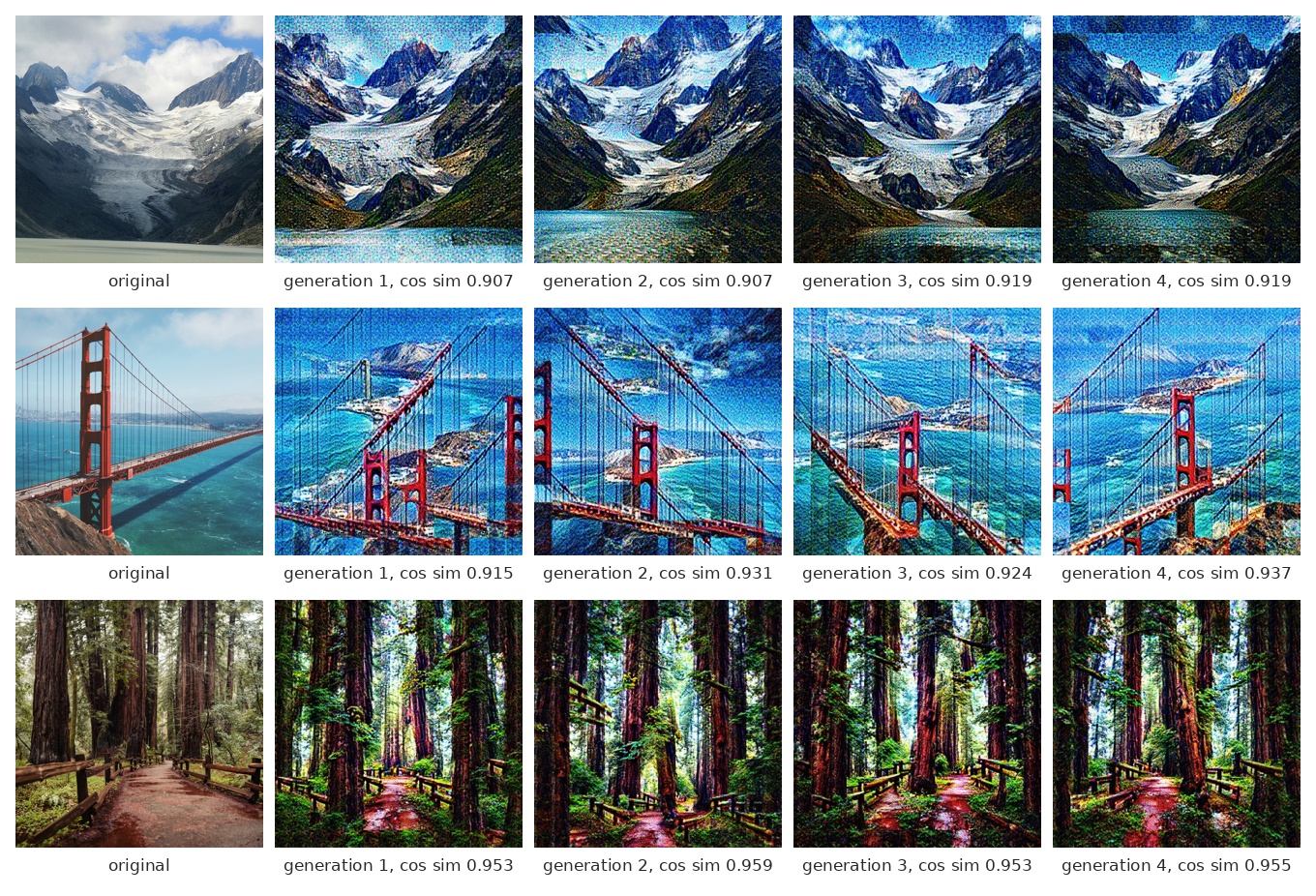
You'll see some variation generation to generation (after all, we are compressing an entire image down to 384 numbers, which is inherently a many-to-one operation). But you'll also notice that there are a few common ways that they differ from the original. They're more saturated, higher contrast, and they misplace/duplicate some of the objects in the scene. Much of this is likely due to the image generation pipeline. Try to keep in mind these telltale signatures of the generated images so you can try to mentally invert them as we proceed.
Finding the features
The first thing we need to understand before we start trying to pick apart the 384-dimensional space is that DINOv3 encodes far more than 384 distinct visual concepts into those 384 numbers. How? The leading hypothesis is something called superposition: models learn to cram many times more features than the dimensionality of their embeddings by pointing each feature in a nearly-orthogonal direction (Elhage et al., 2022).
To demonstrate this phenomenon, we'll show how a small toy neural network can squeeze 10 MNIST digit classes through a 2-dimensional bottleneck. Every frame here corresponds to one step by the optimizer so you can see the model learn to represent all 10 classes.
10 digit classes squeezed into 2 dimensions. Each class gets its own slanted direction.
The key observation is that neural networks tend to place features along directions in their hidden space. Each of those 10 digit clusters above appears to point in distinct directions out from the origin (directions annotated in the image below). In 2 dimensions there's room for maybe 10 before they start stepping on each other, but in 384 dimensions there's room for thousands.
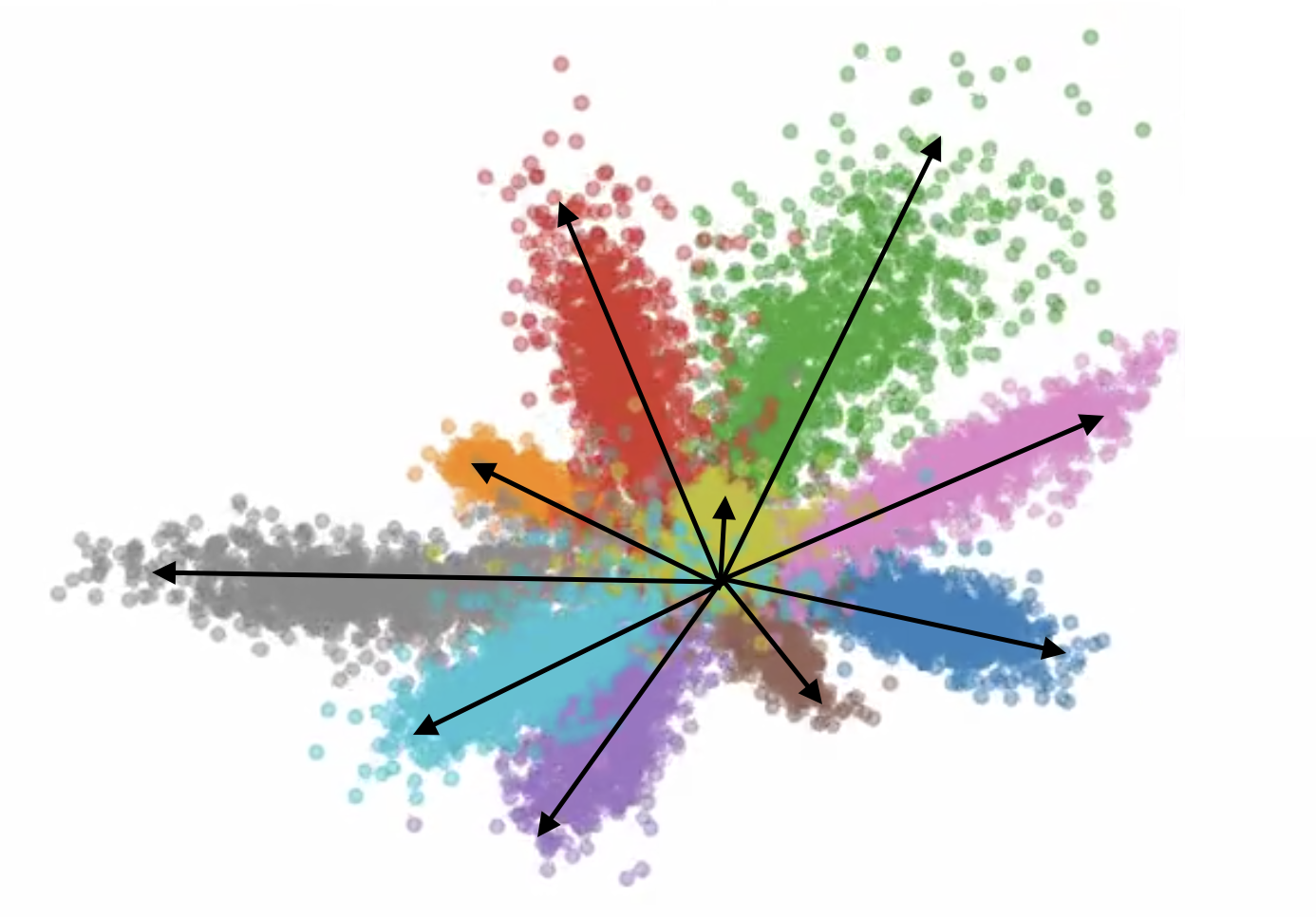
The same 10 clusters, annotated with the feature direction each one points along.
Superposition is a double-edged sword. On the one hand, it allows models to learn many times more features than they have dimensions. On the other hand, it means that any single dimension of DINOv3's embedding is a smear across many concepts at once, which makes it hard to understand directly.
To pull the concepts back apart into individual, interpretable directions, one tool at our disposal is to train a sparse autoencoder (SAE). The idea is essentially to give the model's representations more room to breathe and to incentivize the autoencoder to not smear its representations as much. Sparse autoencoders were developed for language models, but the same idea applies to vision transformers -- Fry (2024) trained one on CLIP.
We won't go into too much detail about how SAEs work here or the exact training details[1], but after it's trained it gives us ~12,000 unique directions in this 384-dimensional space, and each of those directions tends to correspond to a unique, usually-interpretable feature of that space.
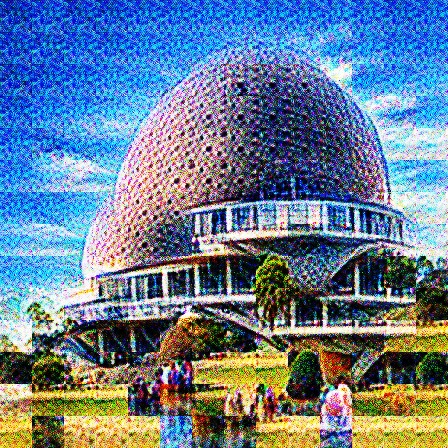
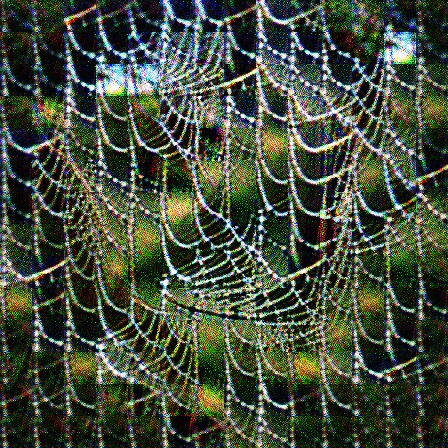
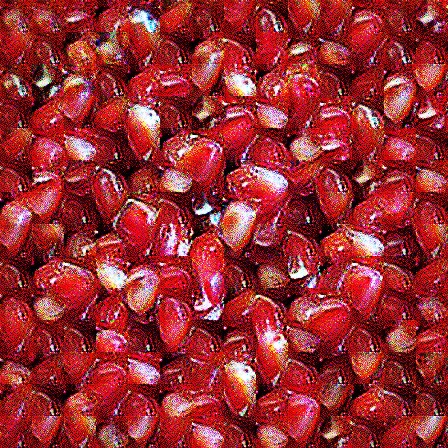
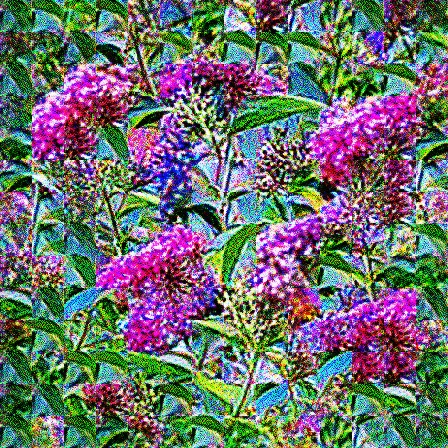
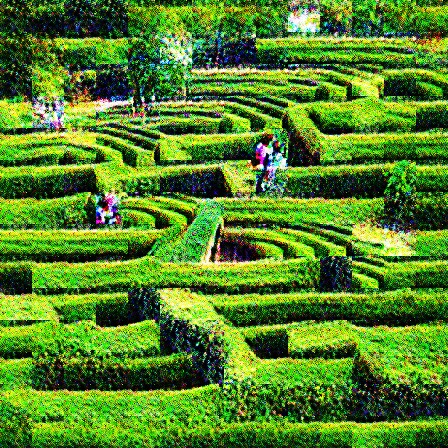
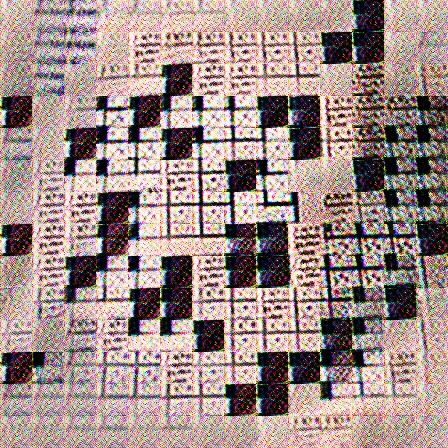
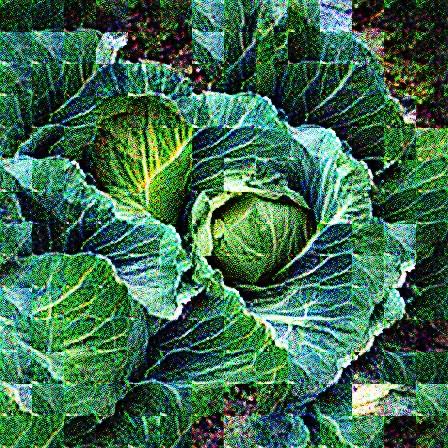
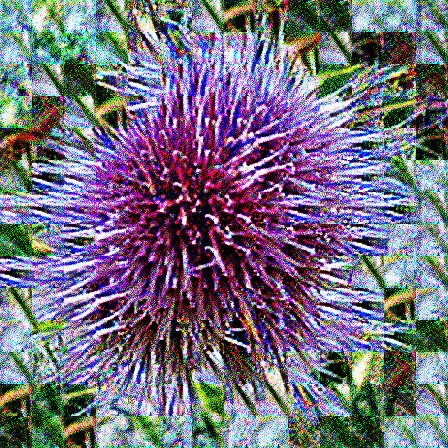
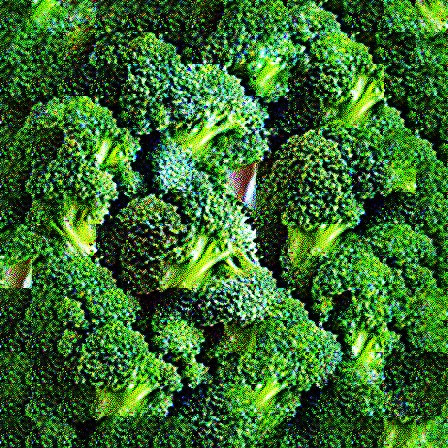
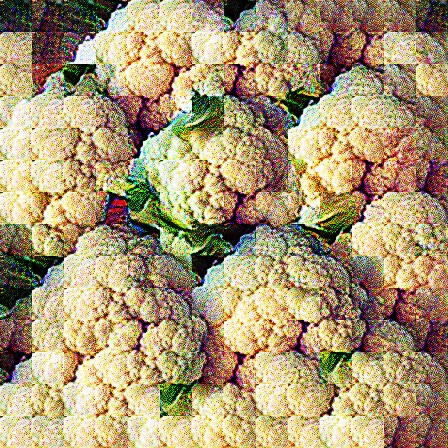
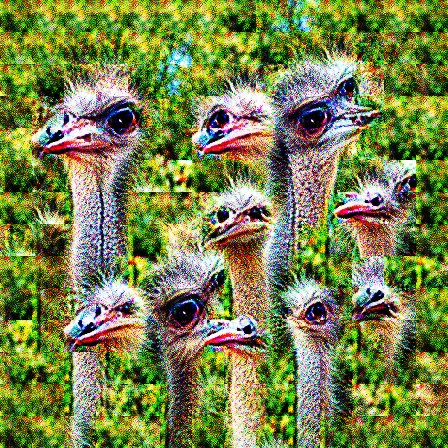
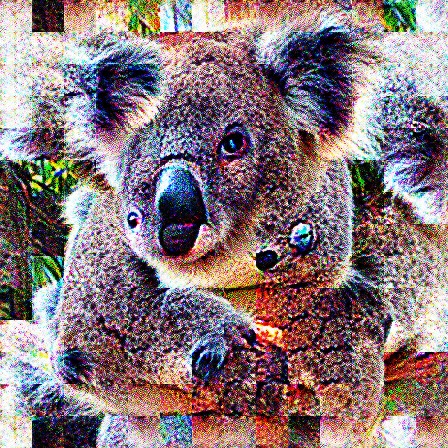
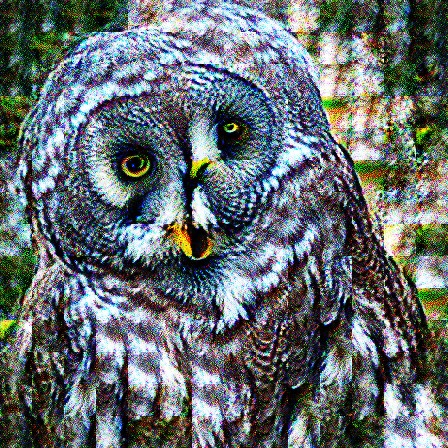
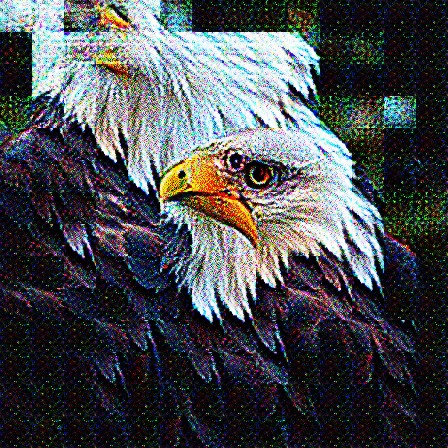
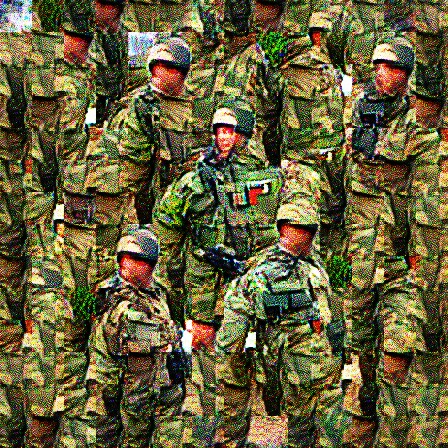
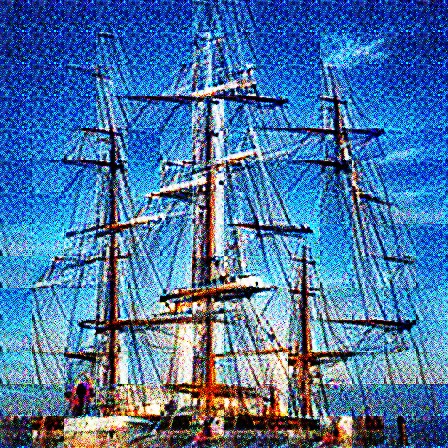
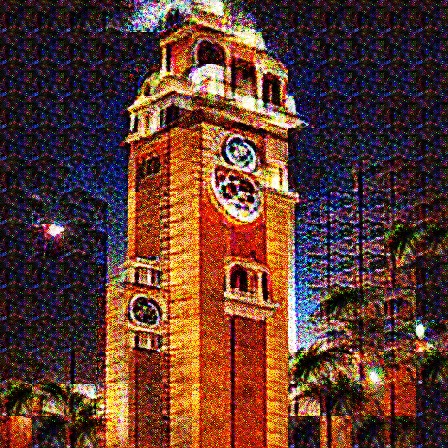
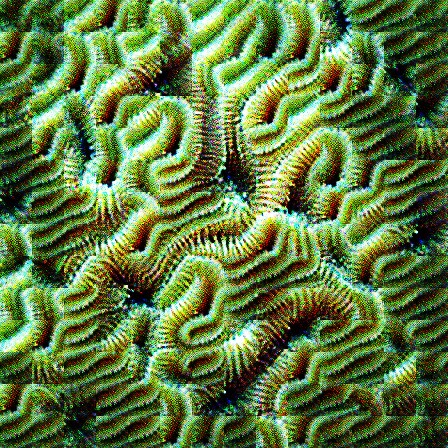
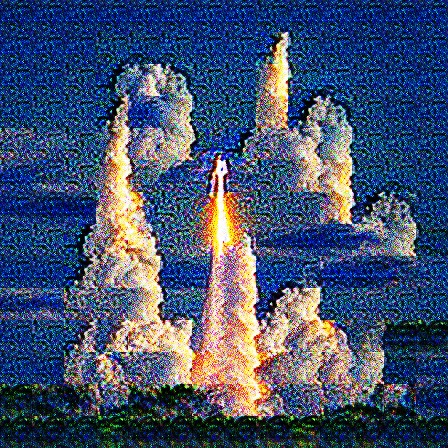
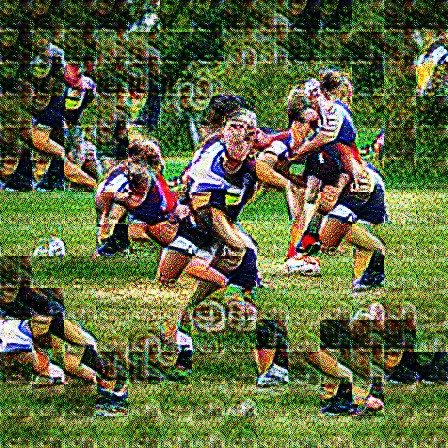
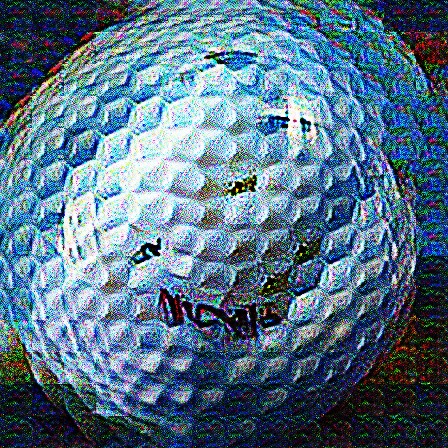
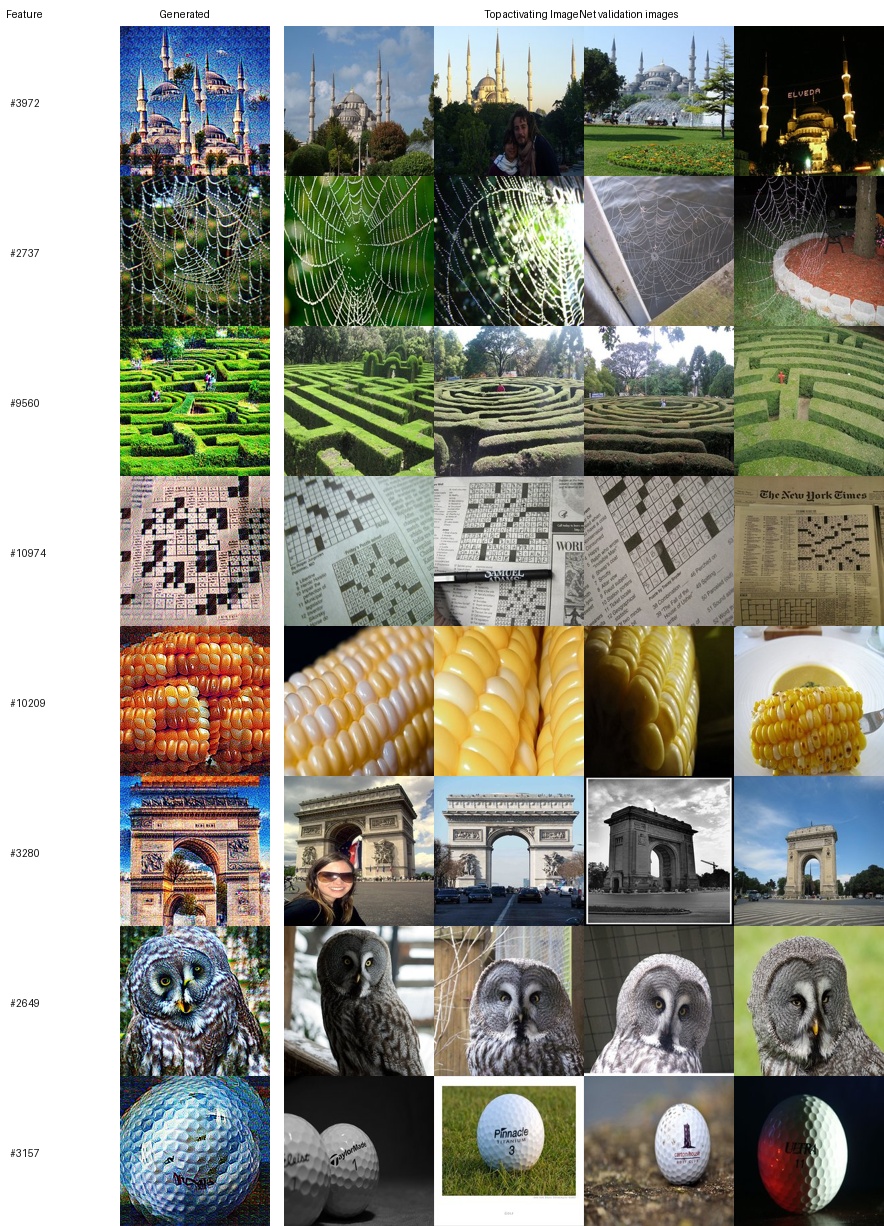
We can then run our learned features through our image generation process, maximizing the cosine similarity between the generated image's embedding and the feature's decoder direction. We show a handful here (or you can browse all features in a separate tab →). Click on any image to expand it.






And a quick sanity check -- what are the top activating ImageNet validation images for these features? A sample:
Decomposition
The SAE is a powerful tool. The most straightforward thing we can do with it is to decompose a given embedding into a set of the learned sparse features, effectively giving us a tool to see what kinds of features the model is encoding within an embedding.
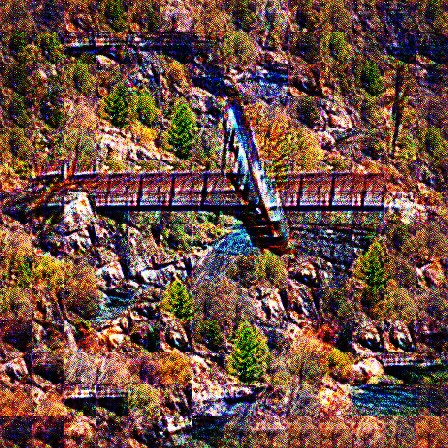
Below, we feed in a photo of a redwood forest path, take its DINOv3 embedding, and run it through the SAE. The features that fire most strongly are shown beneath the photo, sorted by activation strength. The blue bar under each tile shows how strongly that feature fires.
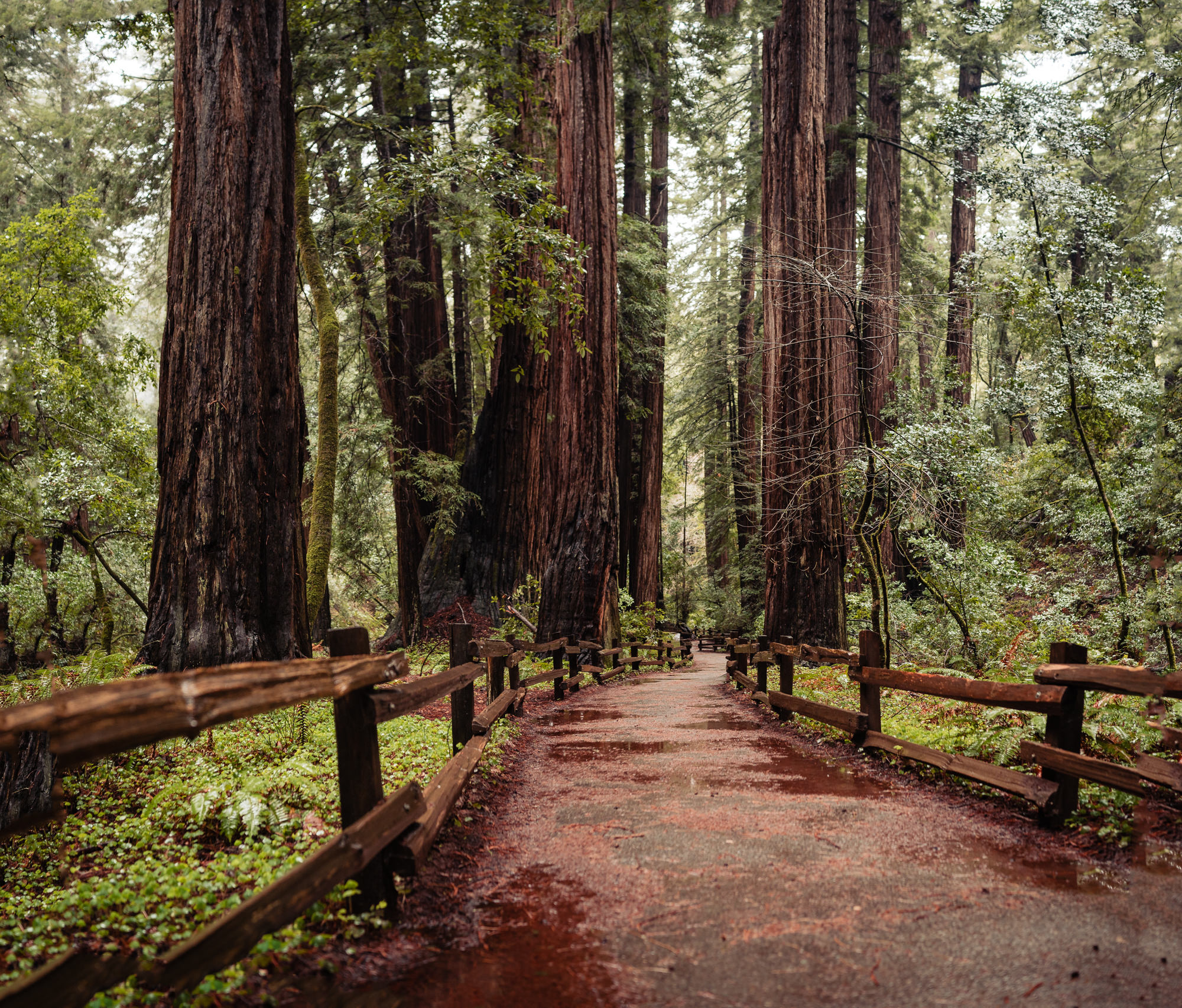
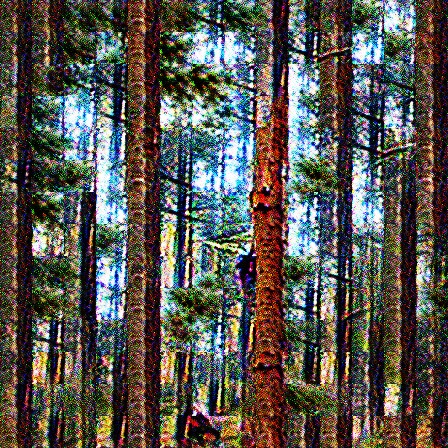
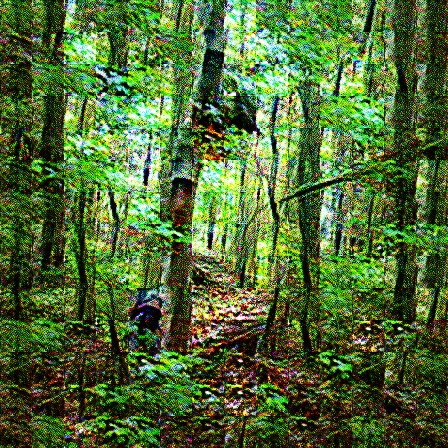
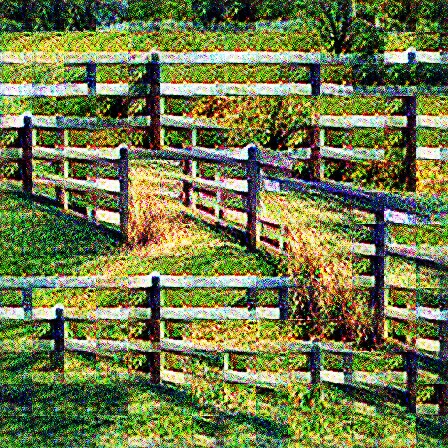
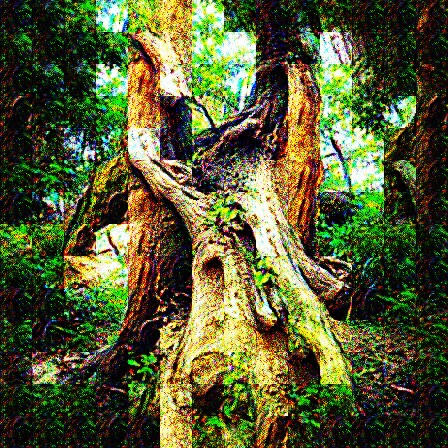
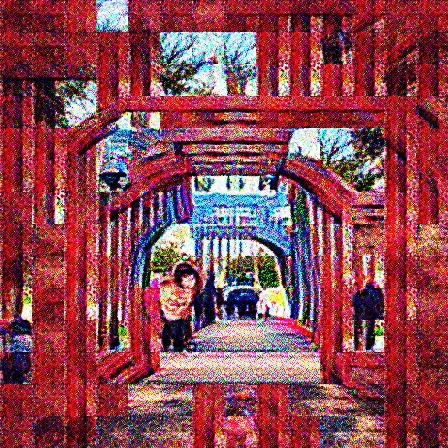
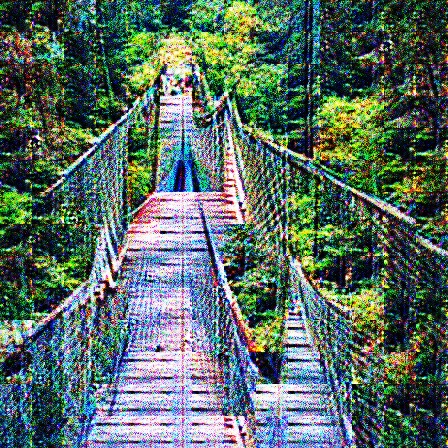
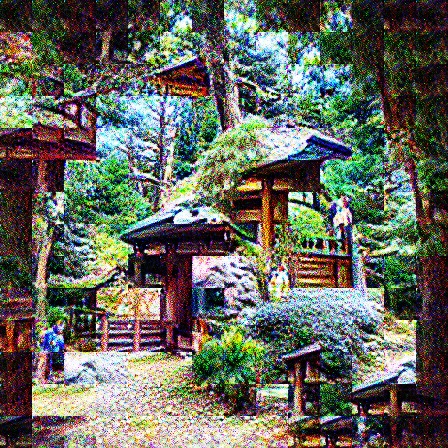
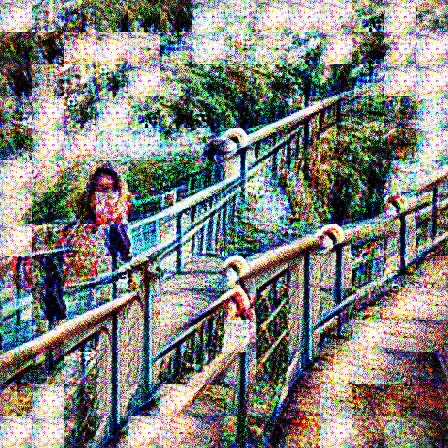
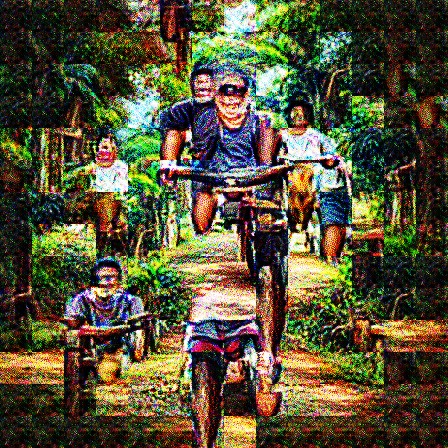
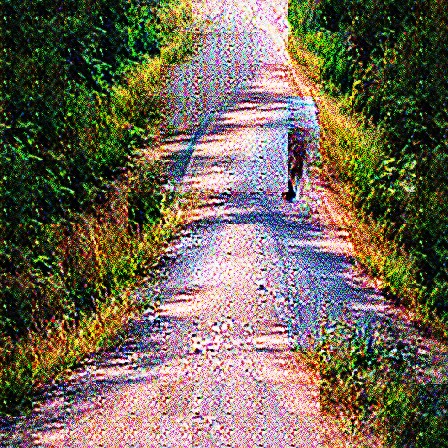
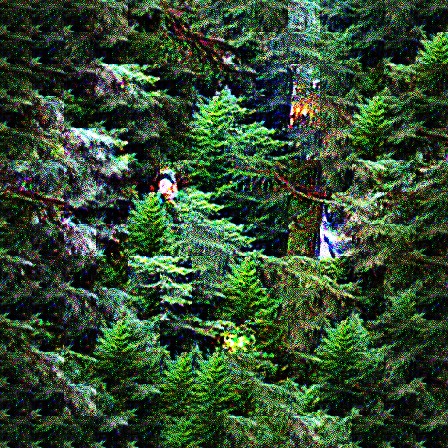
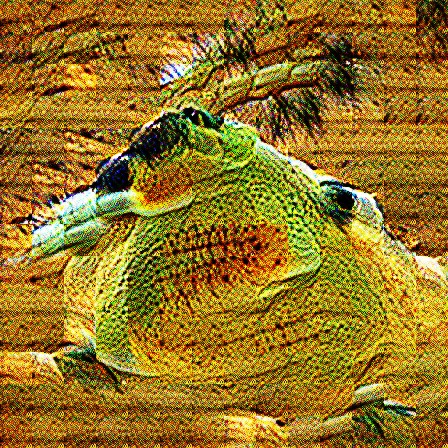
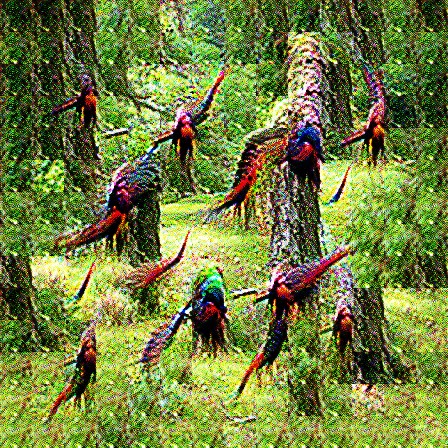
The features that activate for this photo are all pretty clear -- trees, greenery, fences, paths. It's a decomposition of the image into its component features.
We can do the same thing for an image of the Golden Gate Bridge:

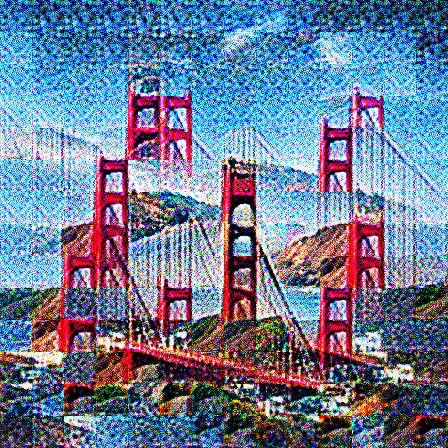
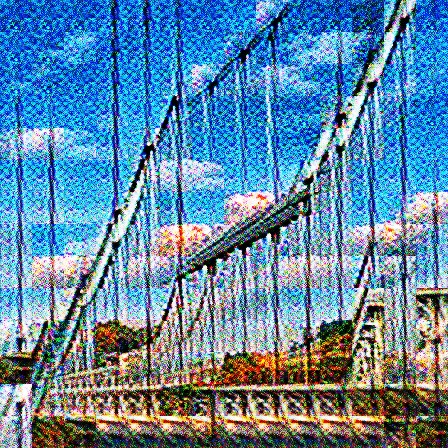



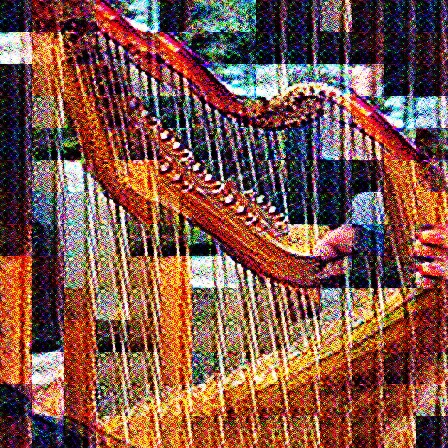


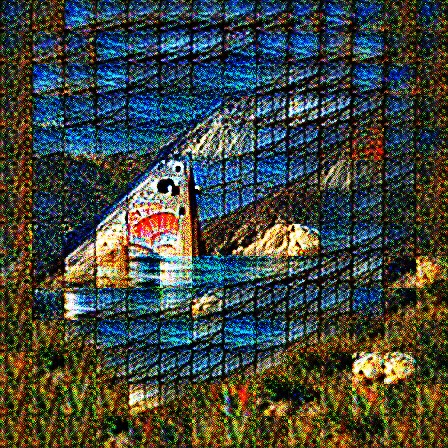
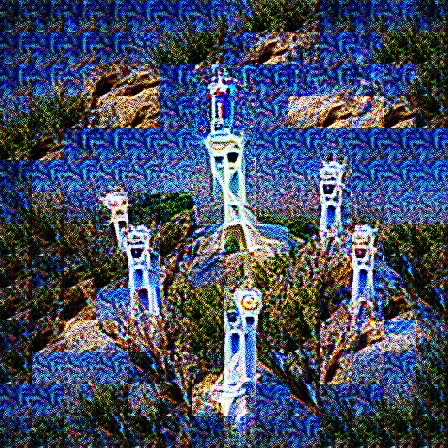
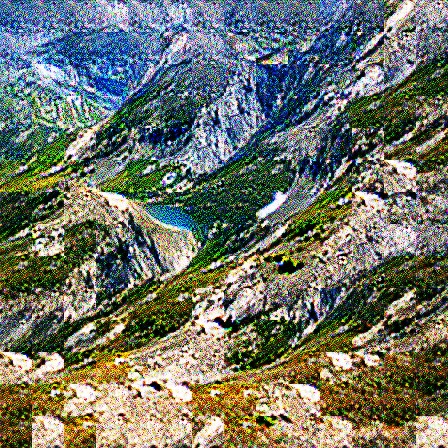
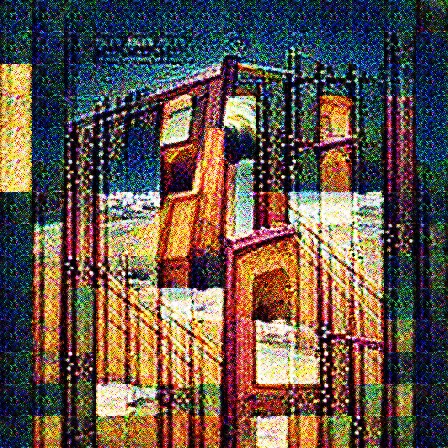

What's interesting about this one is that the strongest feature appears to be a feature dedicated specifically to the Golden Gate Bridge itself.
Combining Features
One of the assumptions in the training of the SAE is that different features can be added together to create a reasonable blend of those features. Here, we're going to see what that looks like. We pick two feature directions (as decided by the SAE's decoder direction), sum them together to produce a new direction, and run our generation technique on that direction to see what it produces. Use the arrows to choose different features to add:
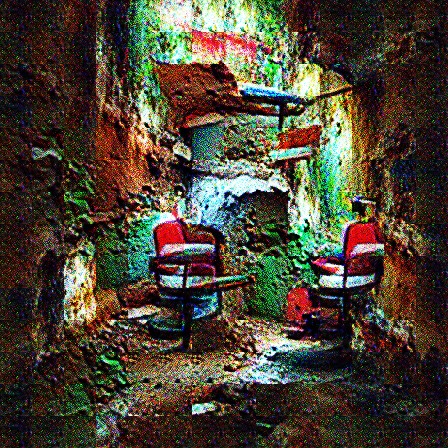

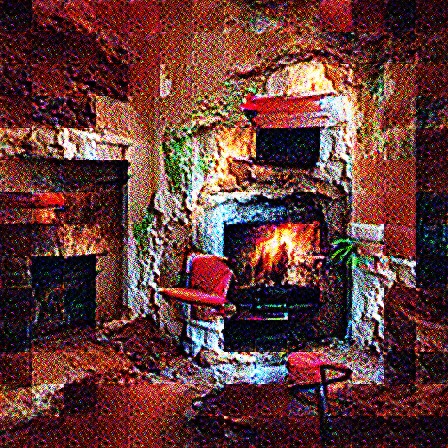
You can see that the sums do in fact seem to encode both features simultaneously. But you'll also notice that they sometimes do so in strange ways. I'll highlight two in particular that are especially interesting because their generated images combine the features in two completely different ways. When you add corn kernels with a triumphal arch, you get a fusion of the two -- an arch made of corn kernels. But when you add corn kernels with screws, you get the two features juxtaposed with each other -- screws on top of corn.
Corn kernels
Triumphal Arch
Kernel Arch
Corn kernels

Screws
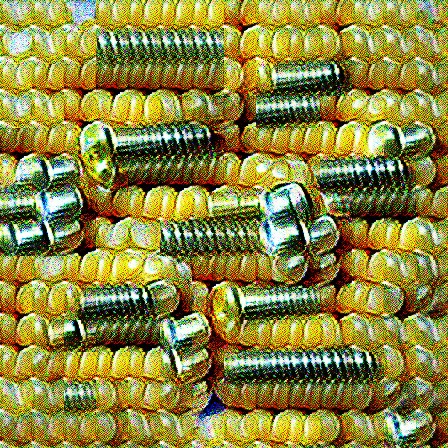
Screws on Corn
To get a better understanding of why these features add the ways they do, we can try interpolating between the features. Each of the features has unit norm, meaning the feature space implied by the SAE is a 384-dimensional sphere, so we'll use spherical linear interpolation (slerp) to slowly move between the features. Note that the direction of the midpoint between these interpolations is exactly the same direction as just adding the two directions together. We'll start with the corn/screws, use the slider to interpolate.
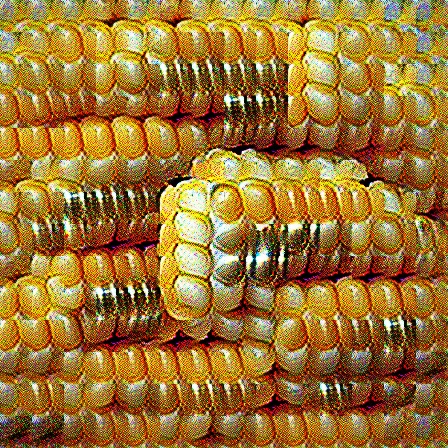
70% Corn kernels + 30% Screws
You'll notice that the features blend together in fascinating ways. At 70% corn + 30% screws, you see corn with the silver sheen and a bit of the spiral pattern of the screws. At 30% corn + 70% screws, you see normal screws sat next to orange corn-like screws.
Let's do the same for the corn + arch:
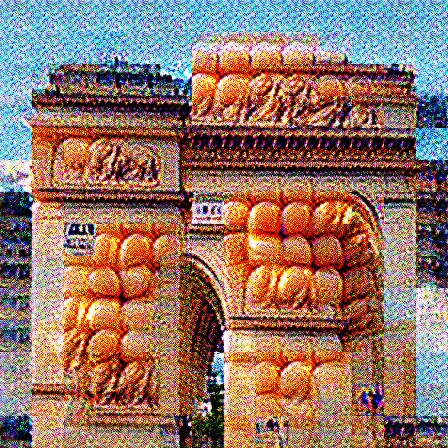
30% Corn kernels + 70% Triumphal Arch
As you add more arch to the corn kernels, you slowly start to see the shape of the arch form. Then, after you get past 50%, you see the corn start to fade away and blend into the arch itself.
Two Strawberries
In going through the SAE features, I found two features that both looked to be about strawberries. In this section we're going to dive deep into these two strawberry features and try to determine concretely what each of them actually encodes.
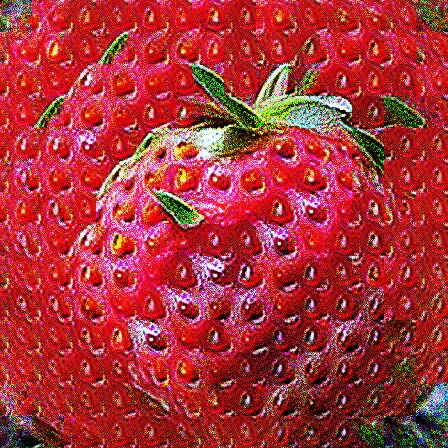
feature 1511
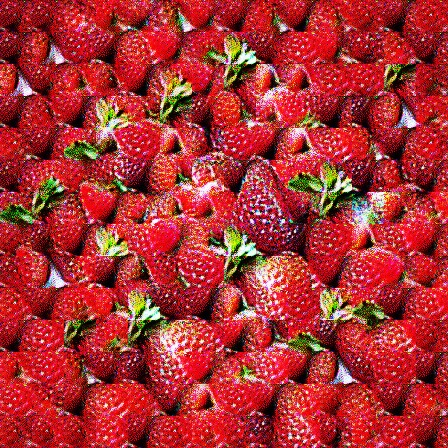
feature 2314
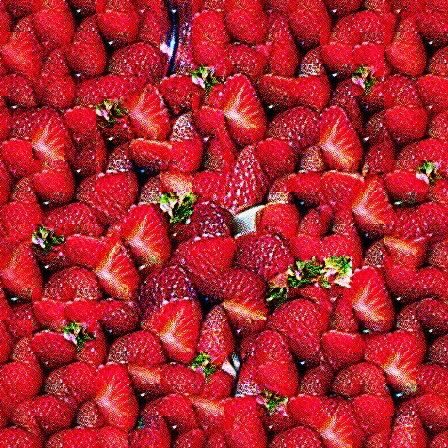
Just looking at them, it seems like the first one (feature 1511) is encoding a singular strawberry and the second (feature 2314) is about a group of many strawberries. This may in fact be an example of feature splitting common in SAEs (Chanin et al., 2024). We can amplify their differences by stripping out the directions that they share to get a better look at what distinguishes them. This process is called Gram-Schmidt orthogonalization, and this is what the result looks like:
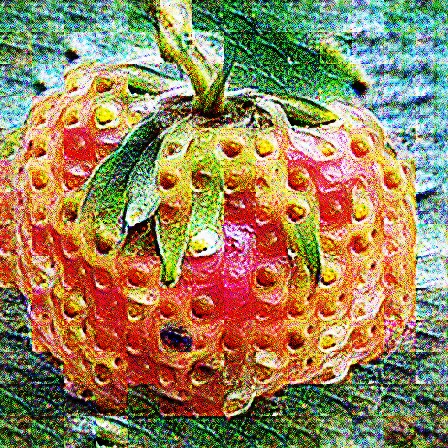
1511 ⊥ 2314
2314 ⊥ 1511
This definitely strengthens the case that 1511 really is encoding a single whole strawberry, complete with all its seeds and the top, and 2314 is encoding many strawberries, even if they're cut open. But is 1511 about being a single strawberry? Or about being a whole strawberry? And is 2314 about being many strawberries? Or about being small strawberries?
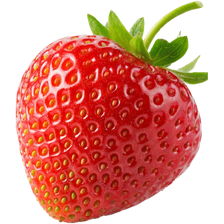
To try to pick this apart, we'll start by feeding into our SAE an image of a strawberry at different sizes and record the strength of both of our features as we scale. Use the slider below:
224×224 px
Looking at the graph above, the story is pretty clear. The bigger the strawberry is, the stronger 1511 activates. The smaller it is, the more 2314 activates (until the strawberry is ~30x30 pixels, at which point it starts to go down again).
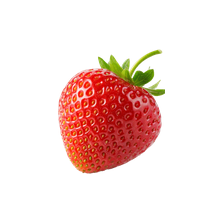
Now, let's try to see if the number of strawberries matters too. We'll keep the size of the strawberries at 125x125 pixels, which was solidly in the 1511 territory in the size experiment.
1 strawberry
So it seems that the number of strawberries is also part of what distinguishes 1511 and 2314, independent of the size of the strawberries. More strawberries -> higher 2314 and lower 1511.
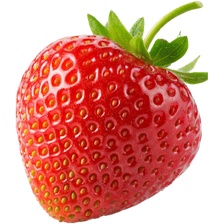
Now, one final check to see if we understand everything correctly. To get a baseline, this is how much 1511 and 2314 activate for a single, large, whole strawberry:
one large whole strawberry
As expected, feature 1511 dominates. Now, what will we see for a single, large, sliced strawberry?
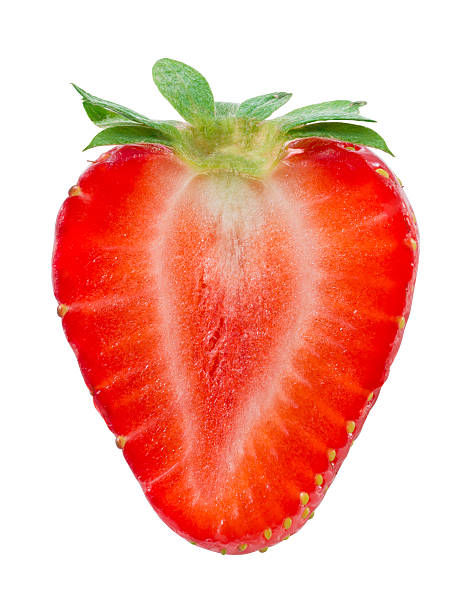
one large sliced strawberry
1511 collapses! This means that 1511 is a feature specifically for single, large, whole strawberries, and 2314 is about many small strawberries whether whole or sliced.
Hopefully this gives you an idea of how intricate and nuanced each feature is. We only looked at two in depth here, but our SAE generated twelve thousand. Interpreting all of them is incredibly difficult, and doing a manual analysis is not scalable.
The Map
As one last fun thing, we ran the SAE across a large image corpus (ImageNet Val) and recorded, for every image, the set of features activated. This gives us a large coactivation matrix for the features which we can use with UMAP (McInnes et al., 2018) to visualize the large feature space in 2 dimensions while preserving local neighborhoods, so features that often activate together land near each other on the map. This is similar in spirit to the activation atlases of Carter et al. (2019). Scroll around and zoom in/out to see the different features and clusters the SAE learned:
Drag or swipe to pan · scroll or pinch to zoom · 2500 of the strongest features on an 120×120 grid
What This Means
We started with a small model that maps images to 384 numbers. By using a few tools like the SAE, feature visualization, and a bit of math, we were able to get a small sense of what those 384 numbers encode and how they can be manipulated. There's so much more to know though. How are these embeddings built up? How do local embeddings differ from global ones? Can you do similar feature visualization in Vision Language Models?
[1] The SAE is trained on DINOv3 ViT-S/16 global (CLS) embeddings: a 32× expansion (384 → 12,288) with ReLU activations and an L1 sparsity penalty, with periodic resampling of dead features (Bricken et al., 2023). At inference only up to 32 features active per image.